
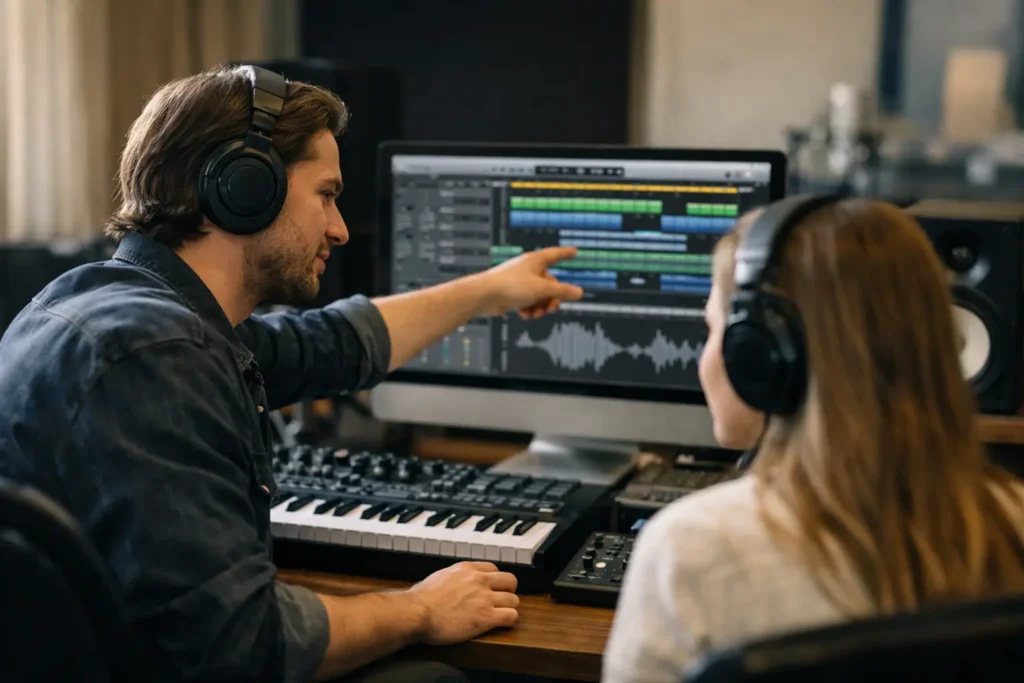
That moment when Logic Pro is open, the song is half-built, and nothing behaves the way it should is exactly where logic pro private lessons earn their value. You do not need another 40-minute video that starts with a clean template and skips the part that is actually breaking in your session. You need an experienced engineer to look at your screen, hear the problem, and help you fix it while the details are still in front of you.
Logic Pro is a powerful recording environment, but it asks users to make a lot of decisions. Audio settings, buffer size, track routing, plug-in choices, MIDI editing, gain staging, automation, comping, and export settings can all affect the result. A one-on-one lesson turns those choices into a workflow that fits your music, your equipment, and the way you work.
Why Logic Pro Gets Frustrating So Fast
Logic Pro is often described as approachable because it includes instruments, effects, loops, and recording tools right out of the box. That is true, but having everything available is not the same as knowing what to use and when to use it.
A producer may be able to record a vocal but struggle to create a reliable headphone mix. A songwriter may build great MIDI parts but lose hours trying to make virtual instruments feel human. An experienced engineer moving from another DAW may know compression inside and out, yet still need to understand Logic Pro’s routing, Track Stacks, Smart Controls, and project organization.
Generic tutorials cannot see your session. They do not know whether the issue is a project setting, an interface driver, a hidden automation lane, a plug-in conflict, or simply an inefficient habit that has become part of your process. That is why trial-and-error learning can feel slow even for talented musicians.
What Logic Pro Private Lessons Should Actually Solve
The best private instruction is not a tour of menus. It starts with the work you need to finish. Maybe that is recording a better vocal tonight, organizing a session before sending stems to a mixer, programming drums that do not sound mechanical, or getting a mix ready for release.
A live instructor can work through the exact obstacles in your setup. If your microphone is not recording, you can check input routing, privacy permissions, interface configuration, monitoring, and record-enable settings in real time. If your mix sounds thin or harsh, you can examine the source tracks, arrangement, EQ choices, gain staging, and monitoring assumptions instead of reaching for another random preset.
That direct approach also helps you learn the reason behind each move. You are not just told to set a buffer size to a certain number. You learn why a smaller buffer helps while tracking, why it can cause CPU strain in a dense mix, and when it makes sense to increase it. Those are decisions you can carry into every future project.
Recording and vocal production
For artists and songwriters, a private session can make the recording stage far less intimidating. You can learn how to set input gain properly, build a low-latency vocal chain, create separate headphone and control-room mixes when your hardware allows it, and comp multiple takes without turning the session into a mess.
The goal is not to pile effects on a vocal. It is to capture a clean performance, organize takes clearly, and make confident choices about tuning, timing, compression, ambience, and doubles. The right process depends on the genre and the voice. A close, intimate singer-songwriter vocal needs different treatment than an aggressive pop or rap lead.
MIDI, drums, and virtual instruments
Logic Pro includes deep MIDI tools, but many users only scratch the surface. A one-on-one lesson can show you how to edit velocity, timing, note length, articulation, modulation, and expression in ways that serve the arrangement.
This matters most when a track feels programmed instead of performed. The fix is rarely just one command. Sometimes the drums need velocity variation. Sometimes the bass part needs cleaner note lengths. Sometimes the piano needs sustain-pedal data edited, or the entire arrangement needs space so the performance can breathe.
An instructor can also help you map a MIDI controller, resolve communication problems, and create templates that load the instruments and routing you use most. That kind of setup work pays back every time you start a new song.
Mixing without endless plug-in swapping
Many Logic users have more plug-ins than they need and less clarity than they want. Private lessons can bring order to that problem. Instead of hunting through processors for a miracle setting, you can learn a repeatable way to evaluate a mix: balance first, then tonal conflicts, dynamics, space, automation, and final translation checks.
Logic’s stock plug-ins are capable, but they still need purposeful use. Channel EQ, Compressor, ChromaVerb, Tape Delay, Direction Mixer, and Multipressor can solve real production problems when you understand what you are listening for. Third-party tools may be useful too, but buying another bundle will not correct an unclear monitoring setup or a crowded arrangement.
A good instructor will tell you when the answer is not another plug-in. Sometimes the kick and bass conflict because of note choice and arrangement. Sometimes the vocal is hard to hear because the instruments are too loud. Sometimes the mix feels small because every track is panned narrowly and heavily compressed. Those are production decisions, not software problems.
How to Get More From One-on-One Logic Pro Training
Come to a lesson with a real project and a clear priority. You do not need perfect terminology. “My vocal has a delay when I record” or “my chorus falls apart on headphones” is enough to begin. The more specific the immediate problem, the faster you can make progress.
It also helps to have your gear connected before the session. Open the project, turn on your interface, connect the MIDI controller if it is relevant, and keep any error message visible. If you are using a plug-in or hardware unit that is causing trouble, mention it early. A few minutes of preparation keeps the lesson focused on solutions instead of basic housekeeping.
During the session, ask to understand the workflow, not merely receive a fix. For example, if an instructor repairs a routing issue, ask how to spot that issue next time. If they help build a vocal chain, ask what each processor is doing and what signals would tell you to adjust it. This turns a single rescue session into practical skill development.
Finally, take notes in plain language and save your improved project as a template when appropriate. A template is not a shortcut around good judgment. It is a way to avoid rebuilding the same routing, buses, track colors, markers, and basic processing every time inspiration shows up.
When Private Lessons Beat Tutorials and When They Do Not
Free tutorials are useful when you want a quick overview of a feature or a few creative ideas. They are also a good fit when your setup is simple and the task is straightforward. If you only need to find a menu item, a short video may be enough.
Private instruction becomes the better value when the problem is specific, urgent, or connected to several parts of your system. That includes interface setup, latency, crashes, routing, recording chains, controller mapping, project cleanup, mixing feedback, and workflow design. It is also the better choice when you are tired of pausing videos to translate someone else’s studio into yours.
For beginners, the value is a clean foundation. For intermediate producers, it is speed and stronger decision-making. For advanced users, it can be a second set of trained ears and help resolving technical bottlenecks without losing a day to research.
A Better Way to Build Confidence in Logic Pro
Confidence with Logic Pro does not come from memorizing every command. It comes from knowing how to move from an idea to a finished file without getting derailed by preventable technical problems. You need a process for recording, editing, arranging, mixing, backing up, and exporting, along with someone who can help when that process breaks.
OBEDIA’s live, one-on-one remote training is built for that reality. Rather than forcing your work into a pre-recorded course, you can get help with the session, hardware, workflow, and production goal in front of you.
Your next song does not need a perfect studio or a larger plug-in folder. It needs a working system and a clear next move. Get the technical friction out of the way, make the creative decision in front of you, and keep the project moving toward finished music.