
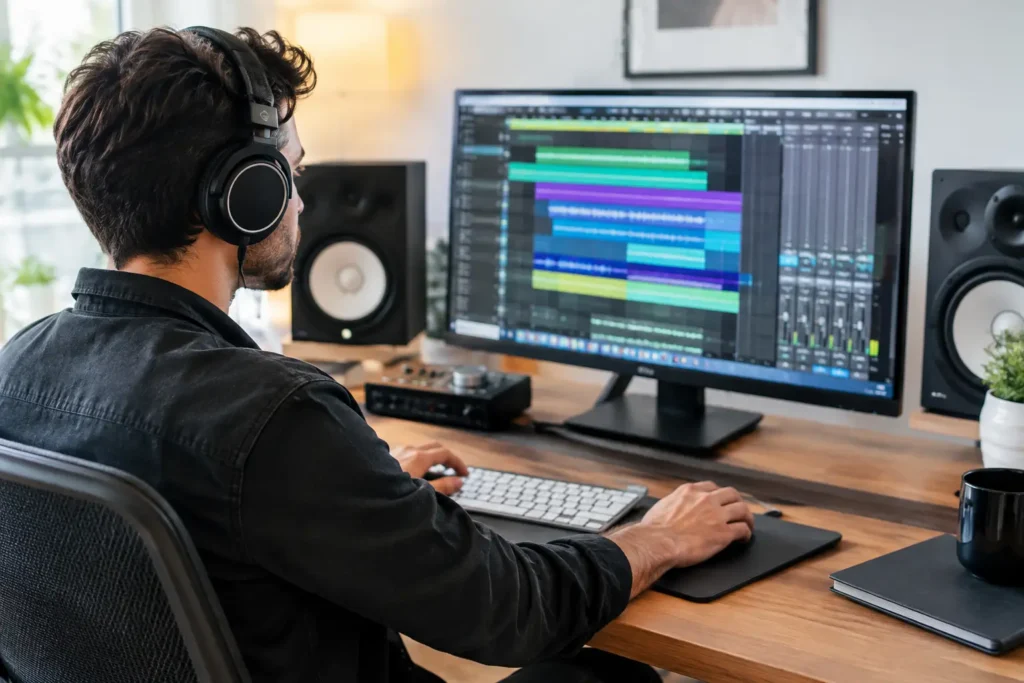
Your Pro Tools session should not stop because a track will not record, a plug-in is missing, or a routing choice makes no sense. Yet that is exactly where many producers lose hours: not because they lack talent, but because the answer they need is buried under outdated videos, generic forum advice, and documentation written for every possible user except them. This Pro Tools training review looks at what useful training should actually deliver when you need to make music, not study software all night.
A Pro Tools Training Review Starts With the Real Problem
Most Pro Tools training looks good at a glance. A course may promise dozens of lessons, polished videos, downloadable session files, and a certificate at the end. Those things are not worthless. For a complete beginner who needs a structured introduction to the interface, a self-paced course can provide a reasonable foundation.
The problem is that most home studio challenges are not generic. Your interface may be connected but not appearing as an input. Your vocalist may hear delay in their headphones. Your MIDI controller may trigger instruments but refuse to record automation. You may know how to use EQ, yet still have a mix that falls apart when played outside your room.
A pre-recorded lesson cannot see your Playback Engine settings, your I/O Setup, your track routing, or the specific error message on your screen. It cannot ask what you are trying to accomplish in the song before recommending a workflow. That distinction matters. Training is valuable when it removes the obstacle in front of you, then teaches you how to avoid it next time.
What Good Pro Tools Training Should Cover
Pro Tools is capable of serious recording, editing, mixing, post-production, and music creation work. That flexibility is a strength, but it also means beginners can get overwhelmed by options that experienced engineers use selectively.
Useful instruction starts with the workflow you need now. A songwriter recording vocals needs a reliable template, correct input routing, low-latency monitoring, clean comping, and a basic path toward a finished mix. A producer working with virtual instruments needs MIDI recording, tempo mapping, instrument tracks, automation, arrangement tools, and an organized session. An engineer handling client projects may need deeper work with playlists, groups, memory locations, clip gain, routing, mix templates, delivery formats, and session management.
The best training does not dump all of those subjects into one long curriculum and call it comprehensive. It gives you the right next skill at the right time. You should leave a session able to apply what you learned to your own work immediately.
Recording and setup need real-world troubleshooting
Setup is where many users get stuck before the creative work begins. Pro Tools may open normally while your microphone is unavailable, your monitors are silent, or your session is using the wrong sample rate. These issues are often simple once an experienced engineer can look at the complete signal path. They are frustrating when you are trying to diagnose them alone.
Effective training should address your computer, interface, drivers, operating system settings, clocking, session format, and Pro Tools configuration as one connected system. If someone teaches recording without confirming that your setup is stable, the lesson may be technically correct but practically useless.
Editing should speed up decisions, not create busywork
Pro Tools has powerful editing tools, but many users work slowly because they have never built efficient habits. They drag clips by hand, zoom constantly, lose takes, or make edits that create clicks and timing problems. A few focused lessons on playlists, tab-to-transient, clip groups, fades, Beat Detective where appropriate, and keyboard shortcuts can change the pace of an entire project.
There is a trade-off here. Shortcut-heavy instruction can feel fast, but it is not always the best starting point for a new user. First learn why an edit is being made and how to protect your original recording. Then build speed. Fast mistakes are still mistakes.
Mixing instruction needs context
Generic mixing tutorials often show an expert making decisions on tracks that are already well recorded, carefully arranged, and organized for demonstration. Your session may be a dense beat, a home-recorded vocal, a live band project, or a half-finished song with three different recording environments. The same plug-in chain will not solve every problem.
A useful trainer explains how to listen, diagnose, and choose tools with intent. That might mean using clip gain before compression, organizing buses before adding effects, checking phase before reaching for EQ, or improving the arrangement instead of stacking more processing on a weak section. The goal is not to copy settings. It is to understand what the settings are doing in your mix.
Live Training Versus Self-Paced Courses
Self-paced Pro Tools courses have a place. They are generally less expensive upfront, available at any hour, and useful for reviewing a defined concept. If you are disciplined, have a stable setup, and want a broad overview before applying it later, recorded lessons can work well.
But they demand time that many working creators do not have. You must identify the problem correctly, search for the right lesson, determine whether it applies to your Pro Tools version and hardware, and then test the fix yourself. If it does not work, you start over. That is not always learning. Sometimes it is just expensive trial and error.
Live one-on-one instruction changes the equation. You can share your screen, open the session that is causing trouble, explain what you hear, and get direction from someone who can respond to the actual issue. The trainer can also notice problems you may not know to ask about: an inefficient routing method, poor session organization, gain staging that will create trouble later, or monitoring settings that are making performance harder.
That does not mean live training is automatically the right choice for every task. Reading the manual or watching a short video may be enough for a simple feature question. Personal instruction is most valuable when the answer affects your workflow, your equipment, your project deadline, or your confidence in the studio.
How to Judge a Pro Tools Trainer Before You Commit
Look past the course outline. The important question is whether the training provider can meet you at your current level and work on the kind of music you actually make.
Ask whether the instruction is live, whether you can work in your own Pro Tools session, and whether the trainer understands audio hardware as well as software. A trainer who knows only menu commands may not be able to solve problems involving interfaces, headphone mixes, MIDI devices, plug-in compatibility, or computer performance.
Also ask how flexible the service is. A fixed academic-style program can make sense if you want a formal path and have months to spare. It is a poor fit if you need to record a vocalist this week, finish a mix for release, or get a new interface working before a client session. Pay-as-you-go help and ongoing support are often better for creators whose needs change from project to project.
Experience matters, but so does communication. A good trainer does not make you feel behind because you do not know the terminology. They explain the fix clearly, verify that it works, and make sure you understand enough to repeat the process on your own.
Where Personalized Support Makes the Difference
This is the gap OBEDIA is built to fill: direct remote training with an experienced audio professional who can help you work through your own system and your own music. Instead of guessing which tutorial applies, you can address the recording, editing, mixing, hardware, and workflow issue that is costing you time right now.
For a beginner, that may mean building a dependable first-session template and learning to record without fear of losing a take. For an intermediate producer, it may mean cleaning up routing, creating faster arrangement habits, and getting mixes to translate. For an advanced user, it may mean solving a complex integration problem or getting an experienced second set of ears on a workflow that has stalled.
The point is not to become dependent on help. The point is to stop wasting creative energy on avoidable technical confusion. Good instruction gives you a working answer, explains the reasoning, and leaves you more capable when the next session starts.
The Best Test Is Your Next Session
A worthwhile Pro Tools training experience should produce a visible change in your work. You should record faster, find what you need without hunting through menus, recover from mistakes with less panic, and make decisions with more confidence. You should spend more time hearing the song and less time fighting the software.
Do not judge training by the number of videos, modules, or buzzwords included. Judge it by whether your next session moves forward. When the right person can see the problem, explain the fix, and help you apply it to the music in front of you, Pro Tools becomes what it should be: a tool that gets out of the way of your ideas.