
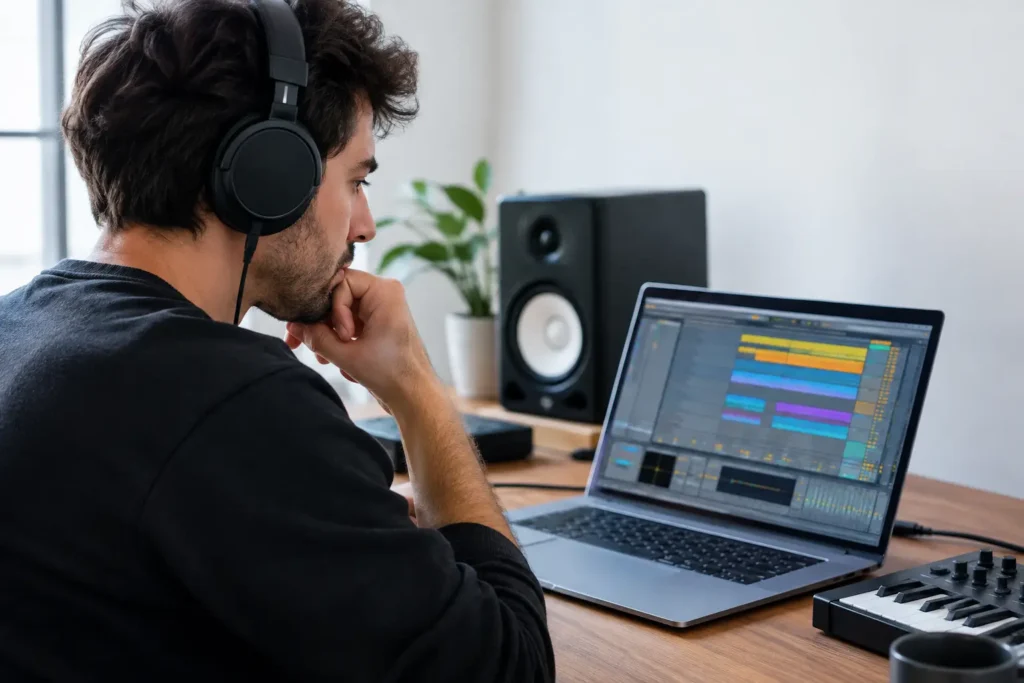
You can spend an entire night watching Ableton videos and still not know why your MIDI controller will not map correctly, why your vocal latency is unusable, or why the track you started strong now feels impossible to finish. That is the real question behind an Ableton tutoring review: does one-on-one help actually move your music forward faster than figuring it out alone?
For many producers, the answer is yes – but only when the tutoring is built around your actual session, hardware, goals, and skill level. Ableton Live is powerful because it supports many ways of working. That same flexibility can turn a simple task into an hour of menu searching, routing experiments, and conflicting advice from five different tutorials.
What Ableton tutoring should solve
Good Ableton instruction is not a tour of every button in the software. It solves the bottleneck between where you are and what you need to create next. For a new user, that may mean recording a first vocal, building a drum rack, understanding Session View, or exporting a song properly. For an experienced producer, it may mean cleaning up a slow template, routing external hardware, improving a mix, or getting a live performance set under control.
The difference matters. A generic course may teach compression for 30 minutes, but it cannot hear the bass in your current song, see how your tracks are routed, or explain why your sidechain setup is not responding. Live tutoring can.
A useful session should also give you more than a one-time fix. You should leave knowing what caused the problem, what to check when it happens again, and how to make the workflow faster next time. If every lesson feels like a disconnected software demonstration, the value drops quickly.
Ableton tutoring review: live help versus videos
Pre-recorded tutorials have a place. They are inexpensive, easy to watch at any hour, and useful when you want a broad introduction to a feature. If you are curious about Ableton Live’s new devices or want a few creative sound-design ideas, a short video may be all you need.
The weakness is that a video cannot answer back. It does not know whether you are using Live Standard or Suite, whether your interface driver is configured correctly, whether a plug-in is causing crashes, or whether you are producing electronic music, tracking a band, or preparing a performance. You have to translate the lesson to your setup. That translation is where time disappears.
One-on-one tutoring is stronger when the issue is specific, urgent, or connected to a larger workflow. An instructor can look at your screen, hear what is happening, identify the wrong setting, and explain the decision in context. Instead of collecting tips, you make progress inside the project that matters to you.
That does not mean every question requires paid help. A simple keyboard shortcut or basic definition is easy to find. The better reason to book a session is when you have tried to solve something, are losing creative momentum, or want a faster route to a result that affects your music.
What to look for before paying for lessons
Not all Ableton tutoring delivers the same value. The instructor’s real-world experience matters, but so does their ability to teach without turning the session into a lecture. Ask whether the service works with your current version of Live, operating system, plug-ins, interface, MIDI gear, and musical goals.
The session should start with your objective
A productive instructor asks what you are trying to accomplish before prescribing a method. “I need to record vocals without delay” is different from “I want a vocal chain that sounds finished.” “My Push controller is not working” is different from “I want to build a playable live set.” The software may be the same, but the route through it is not.
Be wary of tutoring that begins with a rigid curriculum when your immediate problem is technical. You do not need a lesson on every Ableton preference if your audio interface is not being recognized. Fix the issue first, then build the knowledge around it.
Technical support and production coaching belong together
Home studios rarely fail in one place. A recording problem can involve Ableton preferences, audio drivers, buffer size, monitor routing, interface settings, microphone gain, and track configuration. A tutor who only knows the DAW may get you halfway there.
The strongest support connects the whole signal path. That is especially valuable for producers who use MIDI keyboards, control surfaces, external synths, audio interfaces, plug-ins, and multiple monitoring options. Your system should serve the session, not become the session.
The instructor should explain the trade-offs
Ableton has more than one correct way to do many things. You can work in Arrangement View, build ideas in Session View, freeze CPU-heavy tracks, print them, group them, use returns, or process channels directly. A good tutor will not pretend there is one magic workflow.
They will explain why one choice fits your goal better. Freezing tracks can protect CPU and simplify a session, for example, but it can also slow down revisions if you are still experimenting. A large buffer can reduce CPU strain during mixing, but it makes real-time recording feel delayed. Those are practical decisions, not trivia questions.
Where live Ableton tutoring delivers the most value
The best use of a live session is often a combination of troubleshooting and skill building. You may book help because your project will not play correctly, then use the remaining time to organize tracks, improve gain staging, set up return effects, or build a reusable template.
For beginners, tutoring can prevent bad habits from becoming normal. Learning clean routing, file management, audio settings, and basic arrangement early saves a lot of repair work later. You also gain confidence faster when someone can tell you what matters now and what can wait.
Intermediate producers often get the biggest return because they already have ideas and partial skills. They are not looking for another overview of Live. They need help crossing a specific gap: turning loops into arrangements, getting drums to hit harder, recording collaborators remotely, mixing with more control, or preparing masters that translate outside their studio.
Advanced users may need a different kind of support. Complex templates, Max for Live devices, hardware integration, live routing, vocal production, mix decisions, and delivery workflows can all benefit from another experienced set of ears and eyes. At that level, the value is rarely basic instruction. It is faster diagnosis and better decision-making.
Questions to ask in an Ableton tutoring review
Before choosing a service, focus on the details that affect your result. Can you work live with an instructor and ask questions as they come up? Can they address both Ableton and the gear connected to it? Is scheduling flexible enough to get help while the problem is still in front of you? Do you pay for a course you may not finish, or for time you can use on the work that matters now?
Also consider continuity. One session can solve a problem. Ongoing access is more useful when you are building a studio, finishing an EP, learning performance workflows, or developing your production skills over time. A tutor who understands your setup does not have to start from zero every time.
This is where a service such as OBEDIA is designed to be different from passive instruction. Live, one-on-one remote sessions put an experienced audio professional in the room with your project, even when that room is your home studio. The goal is not to make you dependent on support. It is to get you unstuck, teach you the process, and get you back to making music.
Is Ableton tutoring worth it?
It depends on what your time is worth and how specific the problem is. If you enjoy research, have a simple question, and are in no rush, free material may be enough. If you have spent multiple sessions chasing the same issue, need to finish work on a deadline, or want production feedback tied directly to your music, personal instruction is usually the more efficient option.
The right tutor will not overwhelm you with theory or make you feel behind. They will meet you at the point of friction, explain the next move clearly, and help you hear the difference in your own work. Your next Ableton session should end with a better track, a working setup, or a clear plan – not another browser tab full of conflicting advice.