
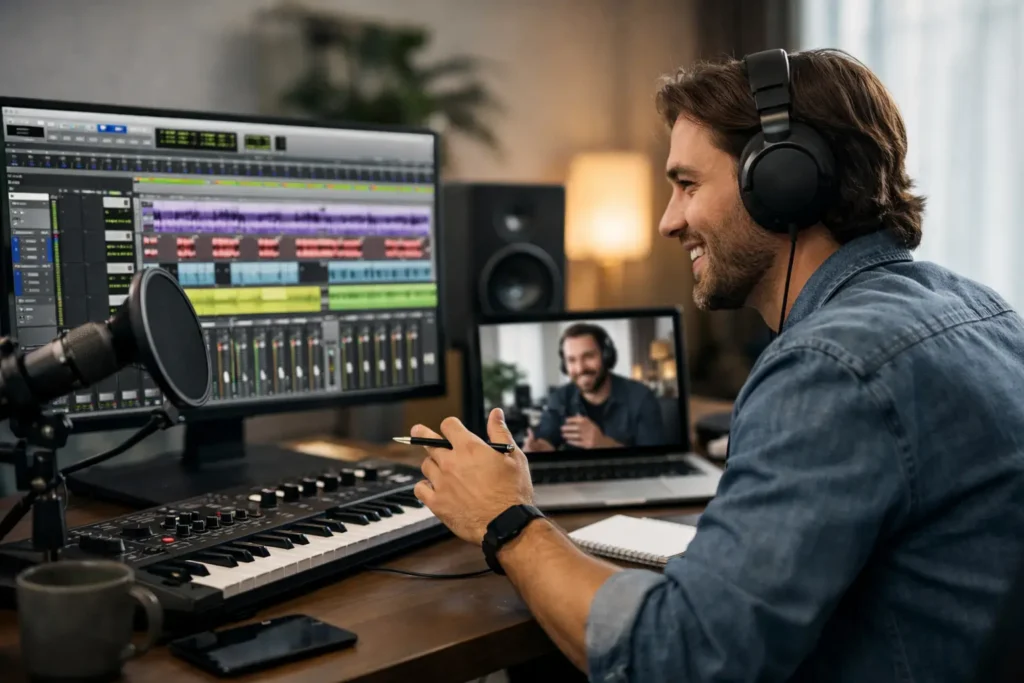
You do not need another two-hour video to figure out why your inputs are missing, your playback engine keeps changing, or your session starts throwing CPU errors right before a deadline. Remote Pro Tools training works because it deals with the version of Pro Tools on your machine, with your interface, your plugins, your routing, and your actual production goals. That is the difference between collecting information and making real progress.
For most home studio users, Pro Tools is not hard because the software is bad. It is hard because recording systems are connected systems. A small problem in I/O setup can look like a tracking issue. A buffer setting can feel like a mixing problem. A plugin delay issue can seem like bad editing. Generic tutorials usually teach features in isolation. They rarely solve the chain reaction that happens inside a real session.
Why remote Pro Tools training works better than generic tutorials
The biggest advantage of live remote training is context. If you are trying to arm a vocal track and getting no signal, the right answer depends on your interface, driver settings, macOS or Windows permissions, Pro Tools version, and how your session is configured. A prerecorded lesson cannot ask follow-up questions. A real engineer can.
That saves time, but more than that, it prevents bad habits. A lot of users get unstuck by using workarounds they do not fully understand. Maybe they duplicate tracks instead of learning playlists. Maybe they keep increasing buffer size without knowing why latency changes. Maybe they print effects too early because routing feels confusing. Those habits make the next session harder.
Live instruction gives you a fix and the reason behind it. That matters if you want to move faster next week, not just survive today.
What good remote Pro Tools training should actually cover
A solid session should not start with abstract theory unless theory is the problem. It should start with what is blocking your work. For one person, that is basic setup. For another, it is editing drums cleanly. For someone more advanced, it may be mix bus processing, vocal automation, or organizing larger sessions so clients can review without chaos.
Setup and system troubleshooting for remote Pro Tools training
This is where many users lose the most time. Audio interface configuration, clocking, driver conflicts, playback engine settings, I/O mapping, low-latency monitoring, MIDI routing, and plugin management can shut down a session before you record a single bar. Remote training is especially useful here because the instructor can see what is happening in real time and trace the issue instead of guessing.
This is also where experience matters. The right trainer knows that some problems live outside Pro Tools. Your DAW may be fine while your operating system, interface software, external drive, or permissions settings are the real cause.
Recording and editing workflow for remote Pro Tools Training
A lot of Pro Tools users know enough to record, but not enough to stay organized. That becomes expensive fast. Tracks get mislabeled, playlists are ignored, comping gets messy, and punch-ins turn into avoidable stress. Remote coaching can tighten that workflow immediately.
Editing is another area where personalized help beats passive learning. Slip, grid, and shuffle modes make sense once you see when to use each one. Crossfades, clip gain, Elastic Audio, Beat Detective, and vocal comping all become much easier when someone explains them inside your session instead of a clean demo project that never behaves like real life.
Mixing inside Pro Tools for remote Pro Tools training
Mixing advice gets vague fast online. One person says compress more. Another says do less. Neither answer helps if your gain staging is off, your routing is cluttered, or your automation is working against you. A live trainer can look at your session layout, bus structure, plugin choices, and monitoring setup, then give you feedback that fits your music and your room.
That does not mean there is one correct mix method. There is not. But there are efficient methods, and there are messy ones. Good remote Pro Tools training helps you hear what matters and remove what is slowing you down.
Who benefits most from remote Pro Tools training
Beginners benefit because they avoid building their workflow on confusion. Instead of spending weeks trying to piece together forums, they can learn signal flow, session setup, recording basics, and editing fundamentals in a way that actually sticks.
Intermediate users often see the biggest jump. They usually know enough to start projects but keep hitting the same walls – latency, routing, headphone mixes, plugin overload, bad session organization, weak edits, unfinished mixes. They do not need a semester-long course. They need targeted help from someone who can spot the bottleneck quickly.
Advanced users benefit too, especially when they are integrating hardware, moving between studios, setting up templates, optimizing for clients, or refining high-level mixing and production decisions. At that level, the value is not basic instruction. It is faster decision-making and cleaner execution.
What to look for in remote Pro Tools training
Not every trainer is a fit just because they know the software. Pro Tools expertise matters, but teaching skill matters too. The best trainers can diagnose technical issues, explain the why behind the fix, and adjust to your level without wasting your time.
Look for someone who works in real production environments, not just classroom examples. You want a trainer who understands recording, editing, mixing, and system troubleshooting as one workflow. You also want flexibility. Some users need one emergency session. Others need ongoing coaching as their studio and skills grow.
A good remote setup should feel efficient, not complicated. Screen sharing, remote desktop support when appropriate, real-time audio discussion, and clear communication are what make the format useful. If the session turns into long lectures or generic advice, it is missing the point.
The trade-off: remote training is not magic for remote Pro Tools training
Remote instruction is highly effective, but it is not magic, and it is not identical to in-person studio training. If your internet connection is unstable, your session may slow down. If your computer is severely underpowered or your drive setup is failing, training can identify the issue but not make weak hardware perform beyond its limits.
There is also the simple fact that progress still depends on repetition. One live session can solve a major problem and save you days of frustration. But if you want real improvement in editing speed, tracking efficiency, or mixing confidence, you need to apply what you learn in your own work.
That said, the trade-off is usually worth it. For most musicians, producers, and engineers working from home, remote training removes the biggest friction point: getting expert help exactly when the problem is happening.
Why remote Pro Tools training beats broad courses for Pro Tools users
Broad courses have their place. They can be useful when you want a general overview of the software. The problem is that Pro Tools users usually do not get stuck on general overview problems. They get stuck on specific, expensive problems. Their mic is not showing up. Their sends are wrong. Their templates are a mess. Their edits sound choppy. Their mixes do not translate.
That is why one-on-one remote training tends to produce faster results. The lesson starts where the problem starts. If you are recording a singer tonight, you do not need chapter one of a complete DAW curriculum. You need your cue mix, routing, latency, and take management working before the vocalist arrives.
This is also why services built around live, real-time support stand out. OBEDIA has spent years helping users solve exactly these kinds of problems in the moment, with real engineers instead of recycled content. That practical model fits the way Pro Tools problems actually show up – suddenly, specifically, and usually when you are trying to create, not study.
Remote Pro Tools training and long-term workflow growth
The best outcome is not just fixing one issue. It is building a workflow that wastes less time. That might mean creating templates that open ready to track, organizing buses so mixes stay clear, setting up I/O correctly once instead of fighting it every session, or learning a repeatable vocal editing process that no longer takes all night.
That kind of progress changes how you work. You stop approaching Pro Tools like a minefield and start using it like a tool. Sessions move faster. Creative decisions come sooner. Technical problems still happen, but they stop controlling the day.
If you are serious about finishing better music, remote Pro Tools training is not a shortcut. It is a smarter way to learn the software in the environment where you actually use it. And when the teaching is personal, direct, and tied to real sessions, the results tend to show up where they matter most – in the work.