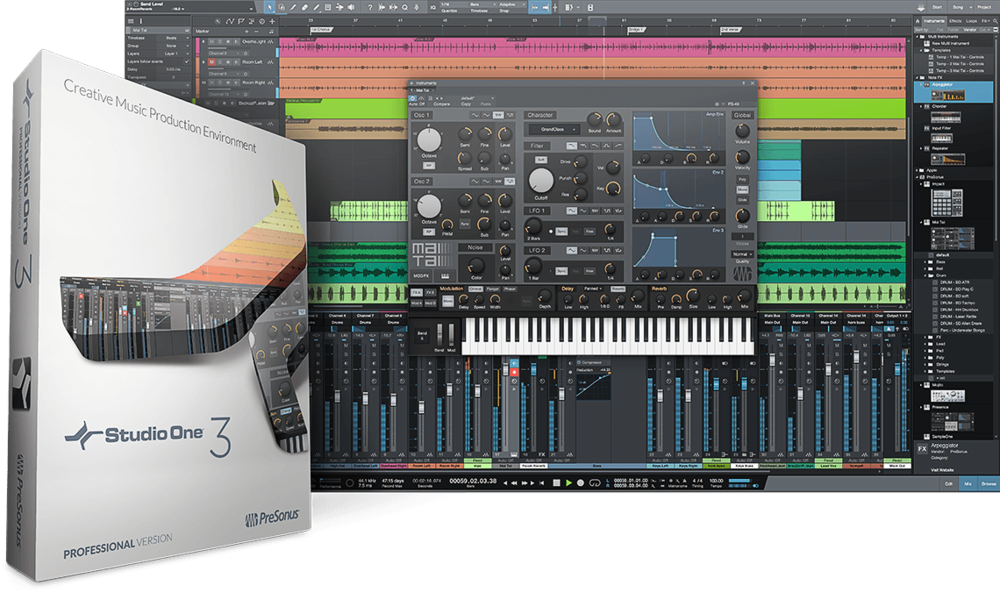
Using the Multi-Tool in PreSonus Studio One 3

One on one HELP: https://www.obedia.com/presonus-studio-one The new multi-tool in PreSonus Studio One 3 will help to streamline your workflow and let you work faster! Using it, you can select a secondary tool for your primary tool, and then, hold down control (PC) or CMD (Mac) to access the secondary tool on the fly. Great for […]

Using the Multi-Tool in PreSonus Studio One 3 Read More »
How to use Multi Instruments in Studio One 3

Get one on one training for Studio One 3: https://www.obedia.com/presonus-studio-one In this video, we talk about How to use Multi Instruments in Studio One 3. Using Multi-Instruments in Studio One 3 is very easy to do. It allows you to stack multiple instruments onto one MIDI track, and even play different instruments at the same time, or

How to use Multi Instruments in Studio One 3 Read More »

PreSonus Studio 192 USB 3.0 High Resolution Digital Audio Interface

Hardware Wednesday! This time, we’re talking about the PreSonus Studio 192 Digital Audio Interface. A high-resolution rackmount digital audio interface that lets you record at 192KHz using USB 3.0. This is a great digital audio interface from PreSonus for those that want lots of I/O and the ability to record at ultra-high sample rates! The PreSonus

PreSonus Studio 192 USB 3.0 High Resolution Digital Audio Interface Read More »

New OBEDIA training series with David Kalmusky Available to OBEDIA subscribers

New Video Series! OBEDIA In Session: David Kalmusky OBEDIA In Session is a new video training series kicking off with a behind the scenes look at technique and workflow of Nashville-based Engineer, David Kalmusky. This new series is only available to OBEDIA subscribers and features over one hour of knowledge to help you record and engineer more effectively. David

New OBEDIA training series with David Kalmusky Available to OBEDIA subscribers Read More »

Cubase Pro 8 plugin manager

New Plug-in manager in Cubase PRO 8

New Plug-in manager in Cubase PRO 8:  there is brand new window in the DEVICES Drop-Down Menu, just underneath Plug-In Information window entry in Cubase PRO 8, entitled: Plug-in Manager. This new window provides detailed information about all installed plug-ins on a system, as well as the ability to re-scan currently installed software plug-ins to ensure you

New Plug-in manager in Cubase PRO 8 Read More »

Scroll to Top