
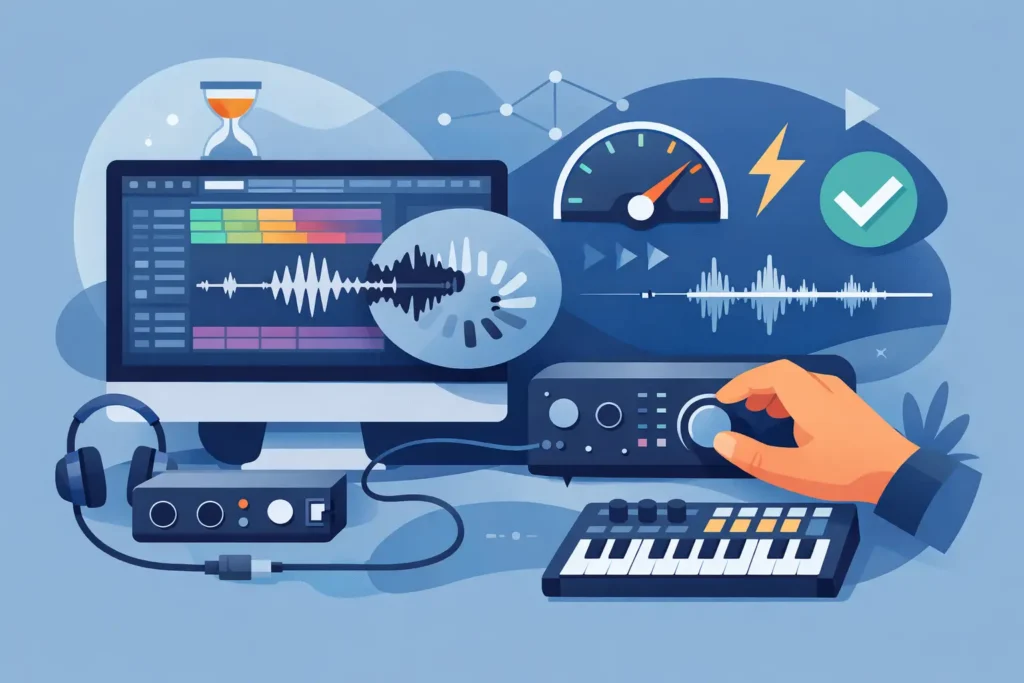
How to Fix Latency in DAW Sessions Fast
Learn how to fix latency in daw sessions with practical steps for buffer settings, interfaces, plugins, and monitoring to record smoothly.
How to Fix Latency in DAW Sessions Fast Read More »
Learn how to fix latency in daw sessions with practical steps for buffer settings, interfaces, plugins, and monitoring to record smoothly.
How to Fix Latency in DAW Sessions Fast Read More »
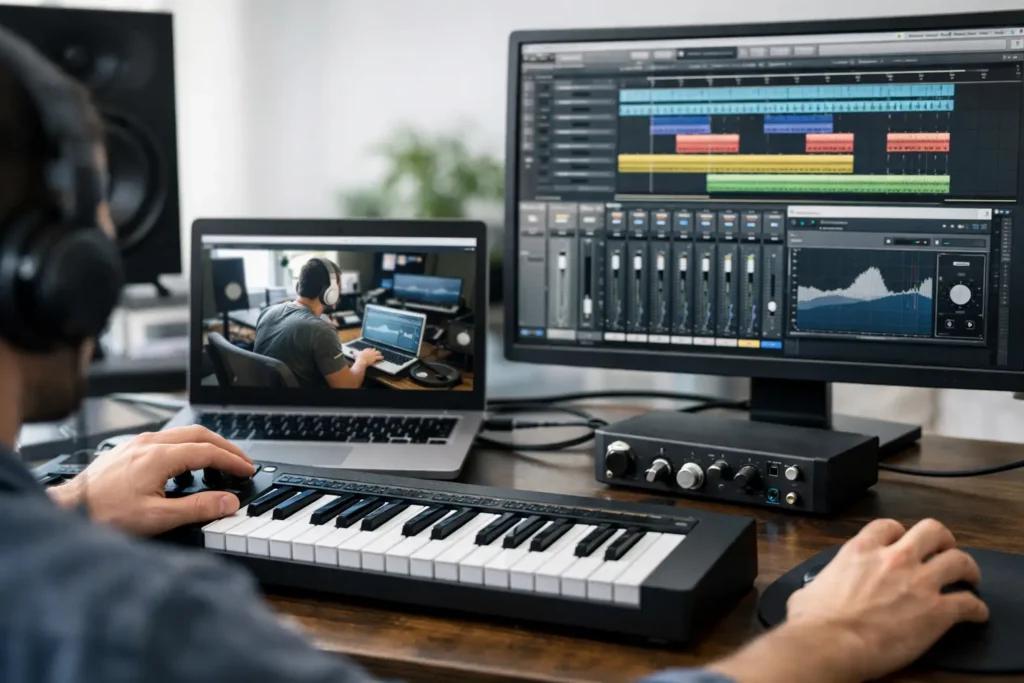
Remote desktop music production help gives you real-time fixes for DAW, plugin, and hardware issues so you can stop guessing and finish music faster.
Remote Desktop Music Production Help That Works Read More »
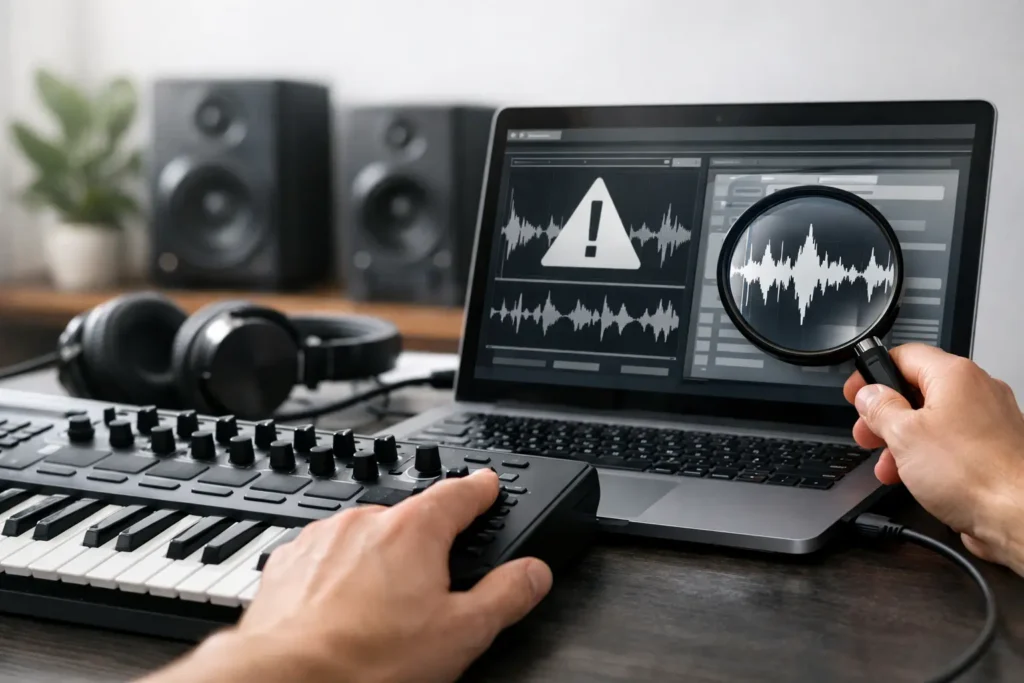
Get fast MIDI controller troubleshooting online with practical fixes for power, drivers, DAW setup, mapping, latency, and connection issues.
MIDI Controller Troubleshooting Online Read More »
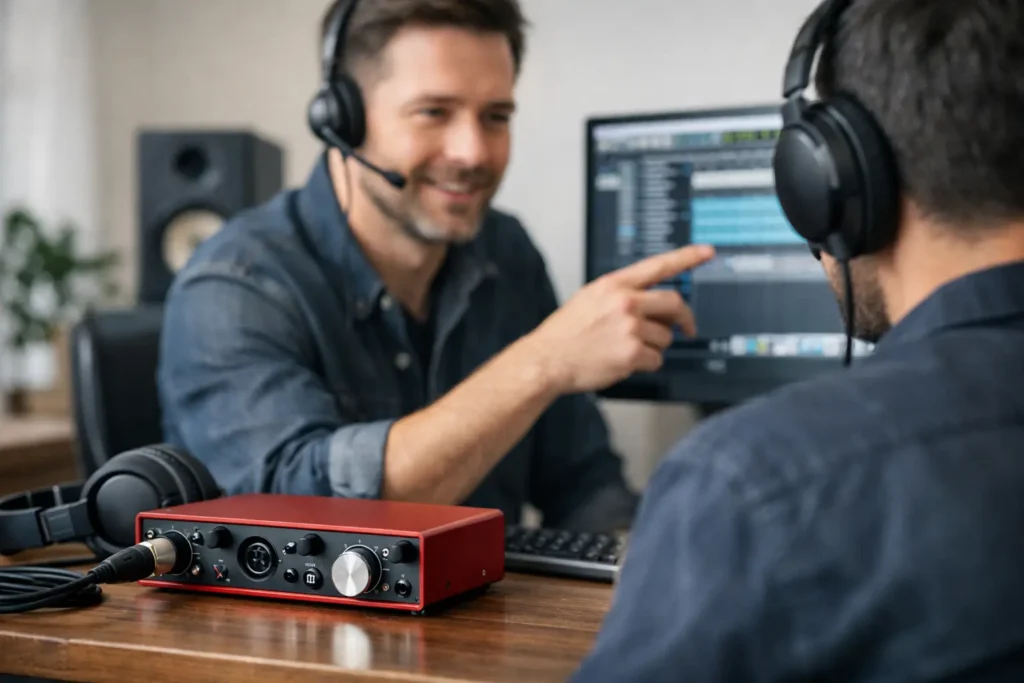
Get audio interface setup support that fixes driver, routing, latency, and DAW issues fast so your studio works the way it should today.
Audio Interface Setup Support That Works Read More »
What’s New in Native Instruments Komplete 12 – PART 3: Kontakt 6 Komplete 12 has been announced by Native Instruments! But, What’s New in Komplete? This new release has brought a considerable amount of new features, expansions, new effects, libraries and instruments. This group of articles will explain all of those new features divided into seven
What’s New in Native Instruments Komplete 12 – PART 3: Kontakt 6 Read More »
The following tutorial shows the user how to change MIDI velocity in Pro Tools. CLICK HERE to learn Avid Pro Tools one on one with a digital audio professional at OBEDIA. On previous tutorials we have explained how to record basic MIDI information into Pro Tools. After MIDI has been recorded, the user has
How to change MIDI velocity in Pro Tools Read More »
The following tutorial shows the user how to quantize MIDI in Pro Tools. CLICK HERE to learn Avid Pro Tools one on one with a digital audio professional at OBEDIA. On previous tutorials we have explained how to record basic MIDI information into Pro Tools. After MIDI has been recorded, the user has several
How to quantize MIDI in Pro Tools Read More »
This tutorial shows the user how to create a New Song in Studio One 4. CLICK HERE to learn Presonus Studio One 4 one on one with a digital audio professional at OBEDIA. Studio One 4 is the Digital Audio Workstation developed by Presonus. Every time the user wants to start a new production
How to create a New Song in Studio One 4 Read More »
The following tutorial shows the user how to bounce a mix in Studio One 4. CLICK HERE to learn Presonus Studio One 4 one on one with a digital audio professional at OBEDIA. The last stage of the mix procedure is to output a stereo file that can be delivered to clients. This stereo
How to bounce a mix in Studio One 4 Read More »
The following tutorial shows the user how to “print” a mix in Studio One 4. CLICK HERE to learn Presonus Studio One 4 one on one with a digital audio professional at OBEDIA. On previous tutorials we have explained how to bounce or export a mix file from Studio One 4. Another way of
How to “print” a mix in Studio One 4 Read More »