Getting started is as easy as 1, 2, 3, LEARN.
1. Purchase Your Subscription
- Choose Monthly, Annual (Best Deal), or Pay-As-You-Go.
- No contract terms. Cancel anytime.
- 100% money-back guarantee if you're not satisfied.
2. Book Your Training Session
- Book your training session online, Mon-Fri 10am - 6pm CST.
- Learn using TeamViewer Remote Desktop in REAL-TIME.
- Learn at your own pace.
3. Get To The Next Level.
- Watch your music production skill soar.
- Produce and release more music.
The Problem: Learning How to Produce Music by Yourself is Hard.
Manuals Only Go So Far.
Reading a manual is about as fun as watching paint dry. Don't you want to make music?
YouTube Videos Aren't Matched to Your Workflow.
That guy on YouTube sure seemed to have the answers until he said, "Now open this plugin that I have that you don't and you'll be all good".
University Courses are Expensive.
Costly music production courses from popular universities still leave you without training you need.
When All Of That Fails, You're Not Making Music.
All that frustration means you aren't making music, which is the reason you bought all that gear!
The Solution: Online Music Production Training From OBEDIA.

Client Testimonial: The DennaV
“OBEDIA's Efficient Producer Blueprint Program helped me level up. I was confident in my production, but needed to improve my marketing, and Brian delivered. I walked away with better mastering skills, solid content ideas, and a clearer game plan for getting my music out there. Recommend working with Brian and OBEDIA if you’re looking to take your music and brand further".
What You Can Learn With OBEDIA
Learn Music Production
How to produce beats, vocals, record music and more.
Learn DAW Operation and Usage
Learn how to use Pro Tools, Studio One, Ableton Live, Steinberg Cubase, and numerous other Digital Audio Workstation applications.
Learn Mixing and Mastering
Learn how to mix and master your own music.
Learn MIDI, Audio Interface, Hardware Operation
Using MIDI (Music Instrument Digital Interface) technology, audio interfaces, keyboard controllers, and more.
Digital Distribution and Music Business
OBEDIA can even help you learn how to distribute your music to Spotify and more, and how to start and build a business in the music industry.
Software You Can Learn With OBEDIA






If you don't see your software listed here, don't worry. We likely support it, just give us a call!
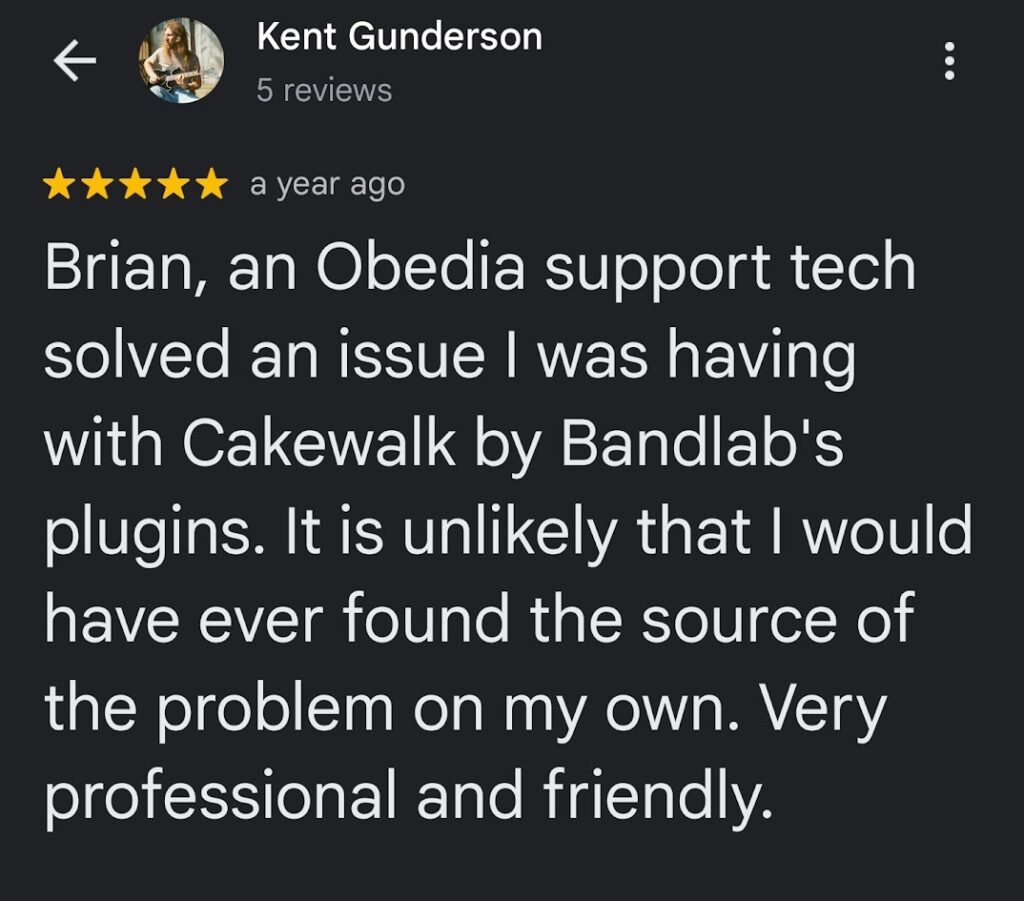
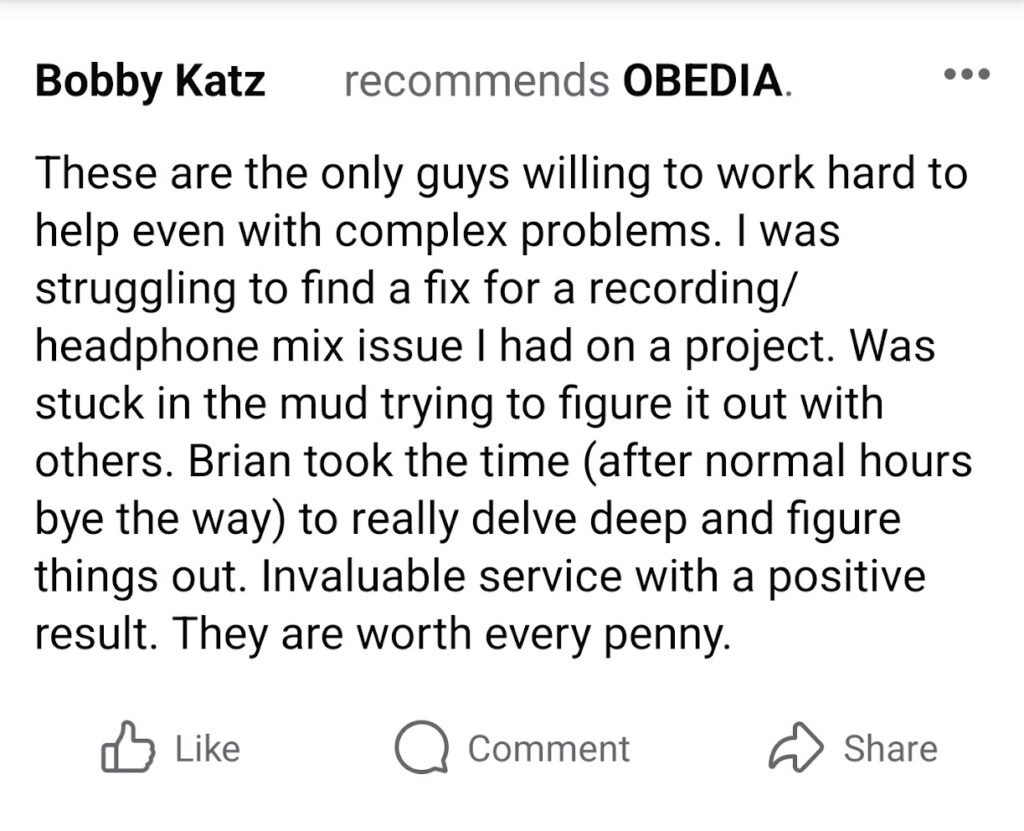
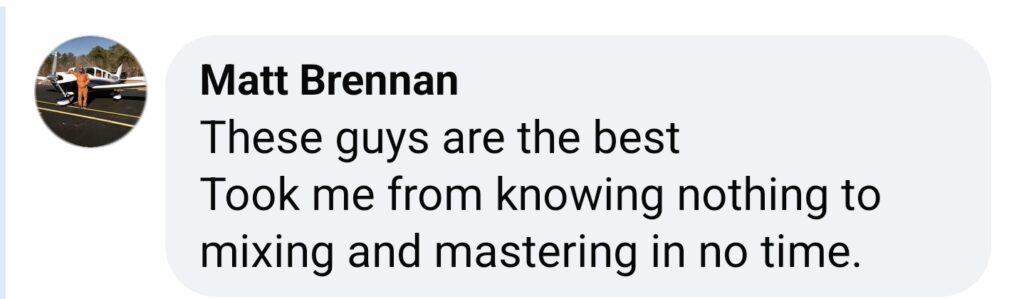
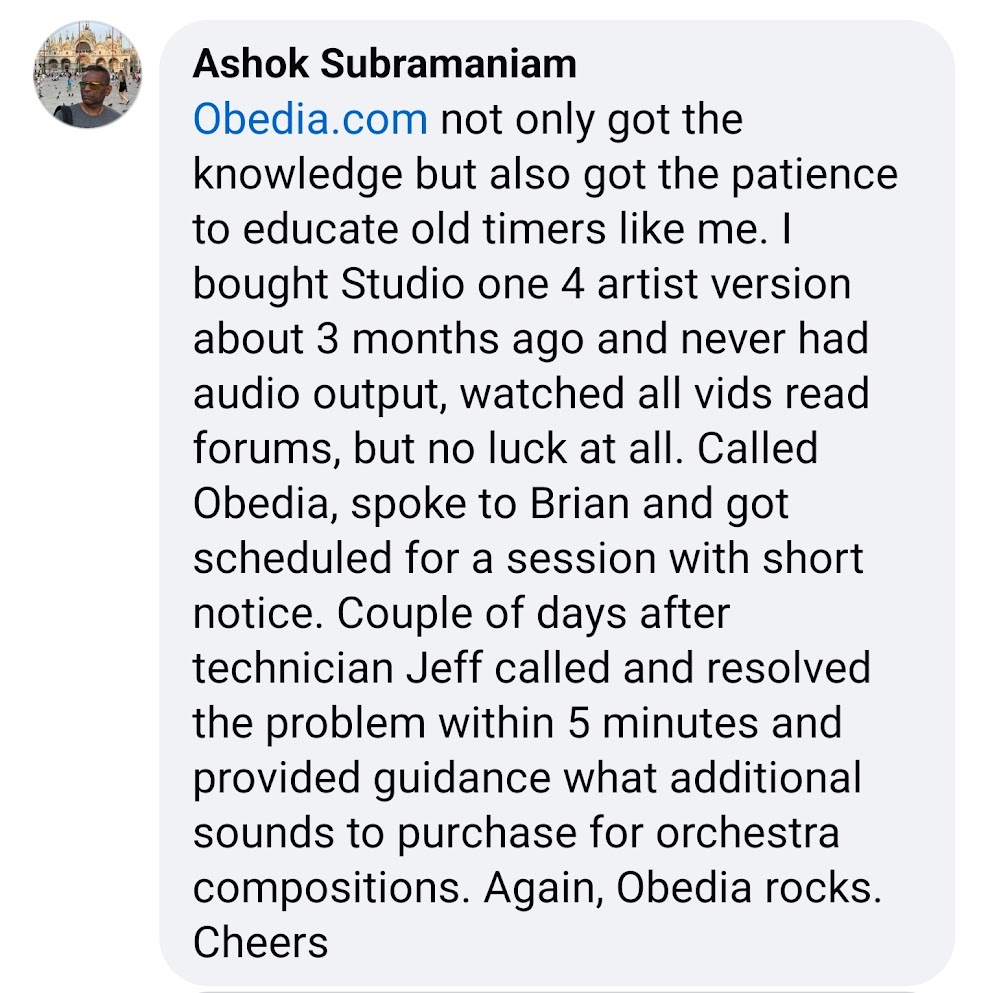
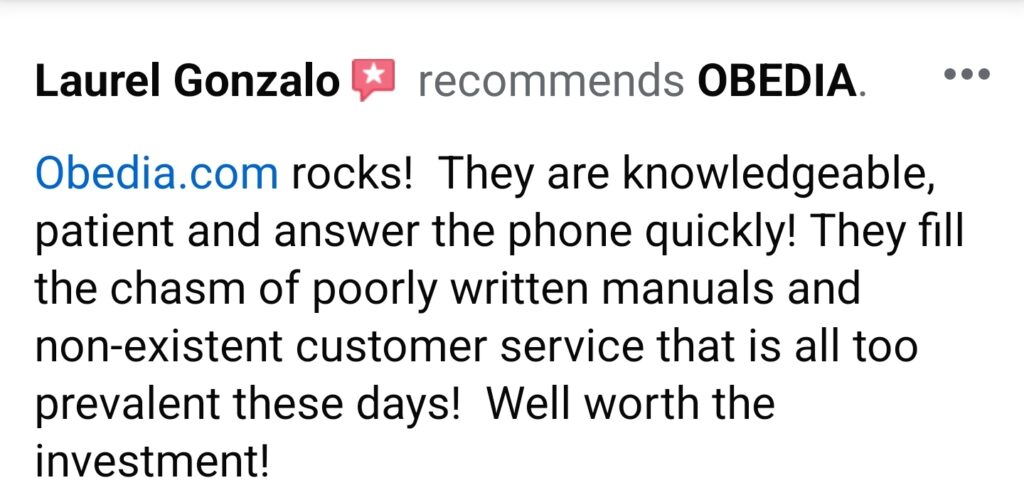
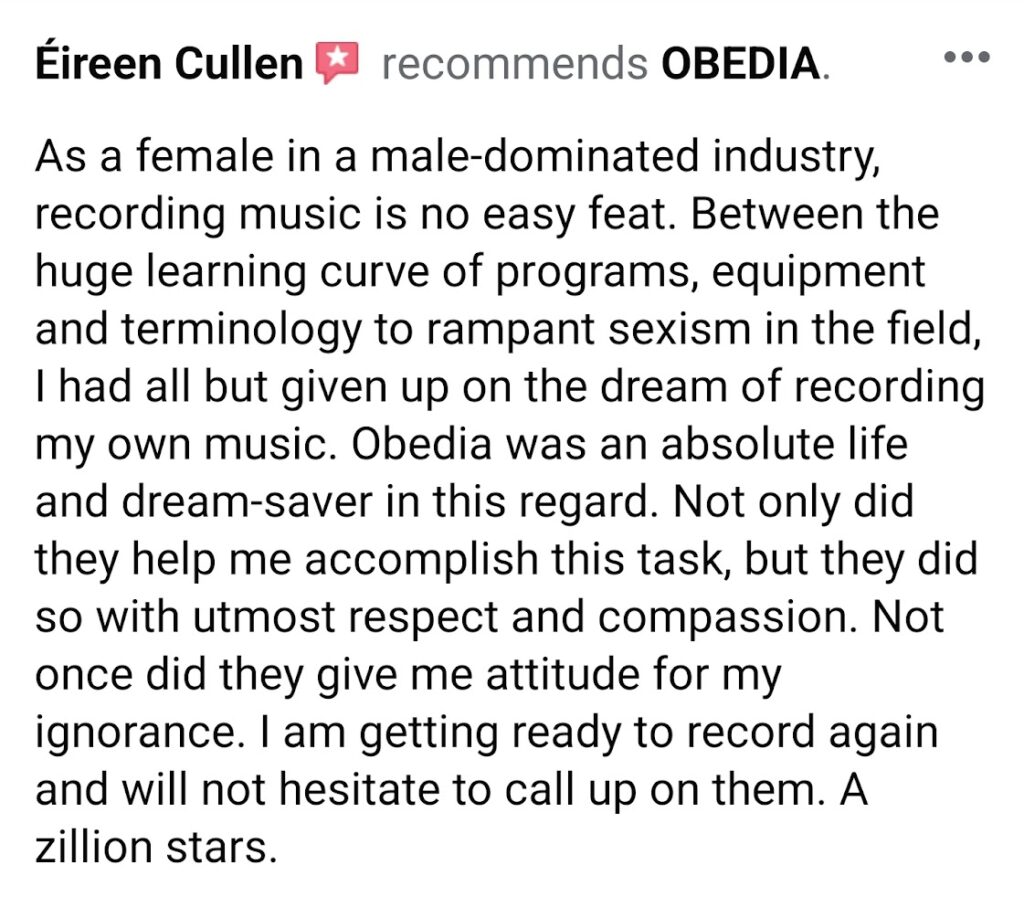
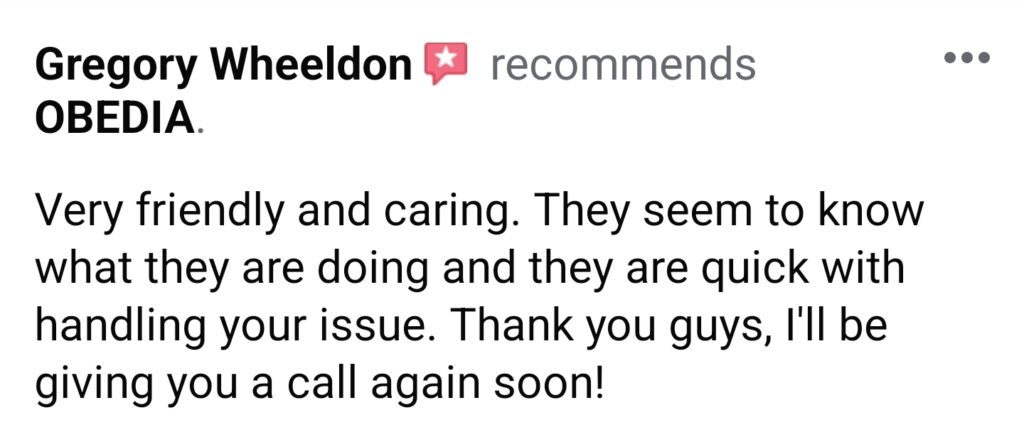
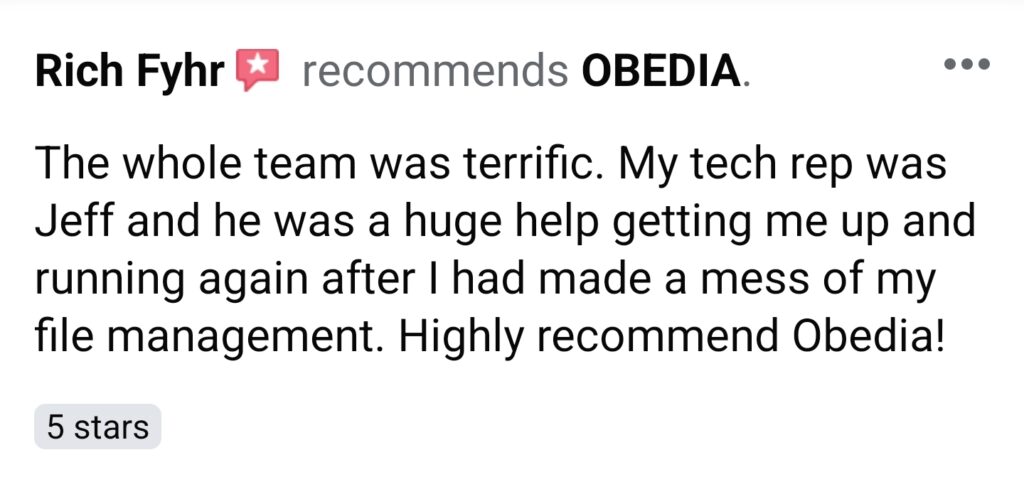
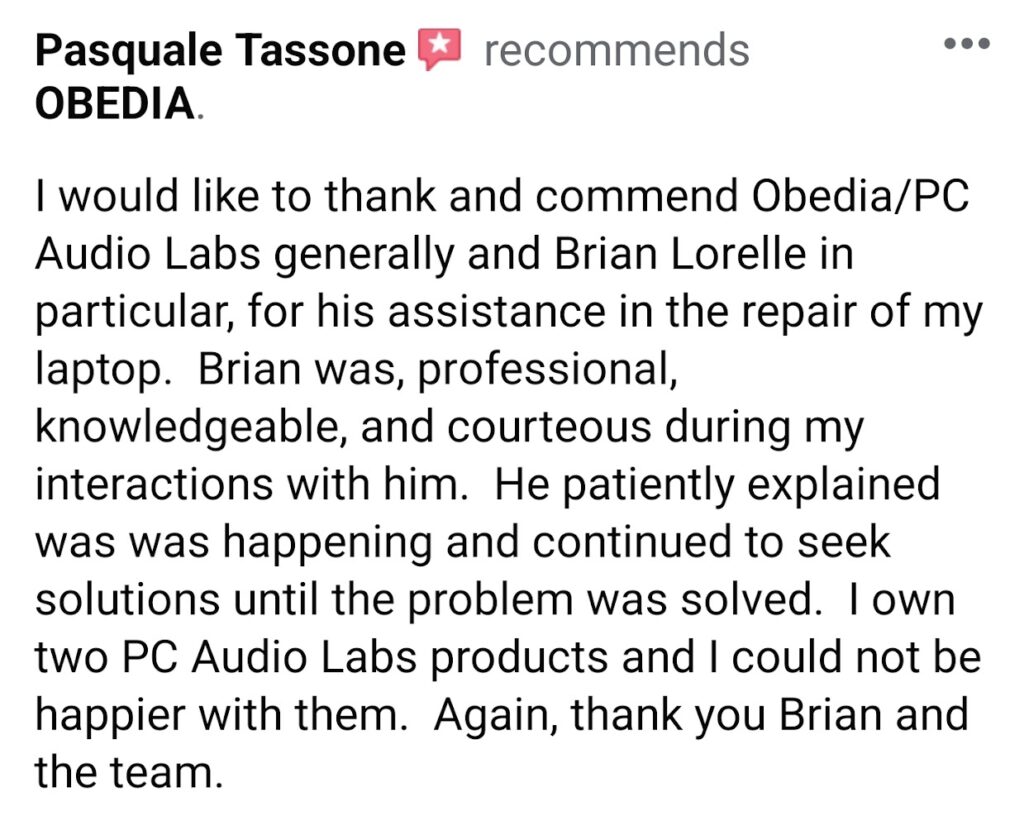
REAL OBEDIA Customer Reviews & Testimonials
Google Reviews
Social Media Reviews
Subscription Pricing & Plans
Choose a Subscription Plan Starting as low as $1.49 per Minute! Use your time in any way you like over the course of your subscription term.
Purchase your OBEDIA Subscription
Each month of OBEDIA subscription affords you 30 minutes of one-on-one training.
Work with us month-to-month, or purchase annually to save money!
Gold Monthly Subscription (Month-To-Month)
- 30 Minutes Per Month
- $1.66 per minute
- Great for one training session per month. Upgrade at any time.
- Purchase additional minutes at $0.99/min
Platinum Annual Subscription (Save 25%!)
- 360 Minutes Per Year
- $1.49 per minute
- The best deal for those who want to learn everything about their gear.
- Purchase additional minutes at $0.99/min
Pay As You Go Pay Per Minute (No Subscription)
- Purchase session minutes at $1.99/min
- No subscription necessary!
- For those who need occasional help without an ongoing subscription.
- Purchase only the time you need in blocks.
If you have any questions about purchasing your OBEDIA Subscription, please contact us at support@obedia.com.
Free Music Production Tutorials From Our Blog
-
How to Transpose a MIDI recording in Pro Tools
The following tutorial shows the user how to transpose a MIDI recording in Pro Tools. CLICK HERE to learn Avid Pro Tools one on one with a digital audio professional at OBEDIA. On previous tutorials we have explained how to record basic MIDI information into Pro Tools. After MIDI has been recorded, the user […]
-
How to Input Quantize when recording MIDI in Pro Tools
The following tutorial shows the user how to Input Quantize when recording MIDI in Pro Tools. CLICK HERE to learn Avid Pro Tools one on one with a digital audio professional at OBEDIA. On previous tutorials we have explained how to record MIDI in Pro Tools as well as how to quantize a MIDI […]
-
How to create a New Song in Studio One 4
This tutorial shows the user how to create a New Song in Studio One 4. CLICK HERE to learn Presonus Studio One 4 one on one with a digital audio professional at OBEDIA. Studio One 4 is the Digital Audio Workstation developed by Presonus. Every time the user wants to start a new production […]
-
Audio interface setup in Studio One – Part I: Audio Setup
This tutorial shows the first part of a series of tutorials on how to setup an audio interface in Studio One 4. Part I will explain the Audio Setup, while part II will explain the I/O Setup. CLICK HERE to learn Presonus Studio One 4 one on one with a digital audio professional at OBEDIA. […]
-
Audio interface setup in Studio One – Part II: I/O Setup
This tutorial shows the second part of a series of tutorials on how to setup an audio interface in Studio One 4. Part I explained the Audio Setup, while part II will explain the I/O Setup. CLICK HERE to learn Presonus Studio One 4 one on one with a digital audio professional at OBEDIA. […]
-
How to setup a MIDI controller in Studio One
This tutorial shows the user how to setup a MIDI controller in Studio One. CLICK HERE to learn Presonus Studio One one on one with a digital audio professional at OBEDIA. Just as any other Digital Audio Workstation, Studio One has the ability to record and output MIDI information that can be used to trigger […]
-
How to create and configure an Audio Track in Studio One 4
The following tutorial shows the user how to create and configure an audio track in Studio One 4. CLICK HERE to learn Presonus Studio One 4 one on one with a digital audio professional at OBEDIA. Just as any other Digital Audio Workstation, Studio One has the ability to record, edit, mix and master […]
-
How to bounce a mix in Studio One 4
The following tutorial shows the user how to bounce a mix in Studio One 4. CLICK HERE to learn Presonus Studio One 4 one on one with a digital audio professional at OBEDIA. The last stage of the mix procedure is to output a stereo file that can be delivered to clients. This stereo […]
-
How to record MIDI in Studio One 4
The following tutorial shows the user how to record MIDI in Studio One 4. CLICK HERE to learn Presonus Studio One 4 one on one with a digital audio professional at OBEDIA. Digital Audio Workstations nowadays not only are capable of recording digital audio information, but also MIDI information that can be used to […]
-
How to “print” a mix in Studio One 4
The following tutorial shows the user how to “print” a mix in Studio One 4. CLICK HERE to learn Presonus Studio One 4 one on one with a digital audio professional at OBEDIA. On previous tutorials we have explained how to bounce or export a mix file from Studio One 4. Another way of […]